How to Rank on Google in 2026
A Practical SEO Guide for Creatives, Artists & Brands
SEO isn’t about gaming Google — it’s about building a website that’s clear, trustworthy, and genuinely useful. When your site is easy to understand, consistently published, and grounded in real expertise, Google is far more likely to rank it.
If you’re a creative, artist, or small brand trying to get found online without chasing trends or hacks, this guide is for you.

Get all the eyes on your website, you know you want ‘em…
Why Most SEO Advice Fails Creatives (And What Actually Works)
Most SEO advice online is written for tech companies, SaaS startups, or enterprise brands with massive budgets and development teams. Creatives are often left trying to apply strategies that don’t fit how they actually work — or worse, feeling like SEO is some mysterious system they’ll never crack.
Here’s the truth:
SEO doesn’t reward complexity. It rewards clarity, consistency, and usefulness.
Google doesn’t want clever tricks. It wants to confidently recommend your website to people searching for exactly what you offer — whether that’s creative services, photography, content strategy, or brand storytelling.
SEO works best when it’s treated as a system, not a one-off tactic.
What SEO Actually Is (And How Google Decides What Ranks)
Search Engine Optimization (SEO) is the process of improving your website so search engines can understand it — and users can trust it.
The goal is simple:
Increase visibility in search results
Drive qualified, organic traffic
Build credibility that compounds over time
When someone types a question into Google, the search engine evaluates billions of pages to decide which results feel most relevant, helpful, and trustworthy.
How Google Search Works (Simplified)
Crawling – Google discovers pages it can access
Indexing – Pages are stored in Google’s database
Ranking – Indexed pages are ordered based on relevance and trust
Important distinction: Indexing is not ranking. Google can know your page exists and still choose not to show it.
Don’t have time to read now? Save this post for later!
What Google Actually Looks at in 2026
Google doesn’t publish a “top 10 ranking factors” list — but we do know the signals it consistently evaluates:
Crawlable, secure websites (HTTPS, clean URLs)
Mobile-first performance
Fast load speed & strong Core Web Vitals
Helpful, people-first content
Clear site structure and navigation
Topical authority (depth + internal links)
Quality backlinks from relevant sources
Brand trust, reputation, and transparency
Accurate business information (especially for local brands)
Engagement signals inferred by machine-learning systems
SEO isn’t one checkbox — it’s the alignment of all of these working together.
EEAT: Why Trust Is the Real Ranking Advantage
Google uses a quality framework called EEAT to evaluate content — especially for competitive queries and AI-generated results.
What EEAT Means
Experience – First-hand knowledge of the topic
Expertise – Depth of understanding
Authoritativeness – Recognition by others
Trustworthiness – Accuracy, transparency, legitimacy
EEAT is not a direct ranking factor. Instead, it acts like a filter:
If trust is weak, your visibility is capped — no matter how good your keywords are.
How Creatives Strengthen EEAT
Publish original work (images, galleries, case studies)
Include clear author bios and credentials
Cite reputable sources
Use structured data (Article, Person, Review schema)
Display testimonials, reviews, and contact info
Keep content updated with visible publish dates
If you’re a photographer, designer, strategist, or creator, your lived experience is an asset — not something to hide.
Step 1: Build a Website Foundation Google Can Trust
Before keywords or content strategies, your website needs a solid foundation.
Website SEO Checklist
Mobile-First Design
Responsive layouts that adapt to any screen
Readable typography
Clear, accessible navigation
Page Speed & Performance
Optimized images
Strong Core Web Vitals
Use tools like Google PageSpeed Insights and Search Console
Platforms like WordPress can be SEO-friendly — when configured intentionally. No website builder ranks automatically.
A beautiful site that can’t be crawled can’t rank.

Step 2: Keywords That Attract Clients (Not Just Traffic)
SEO success isn’t about ranking for the biggest keyword — it’s about ranking for the right one.
Why Broad Keywords Don’t Convert
“Photographer”
“Marketing agency”
“Content creator”
These terms are vague, competitive, and rarely reflect buyer intent.
What Works Better: Long-Tail Keywords
Long-tail keywords are more specific and easier to rank for — and they attract people who already know what they’re looking for.
Example:
“photographer” ❌
“concert photographer for musicians” ✅
This is where search intent matters:
Informational – learning
Investigational – researching
Transactional – ready to book
Understanding intent saves you from attracting the wrong audience.
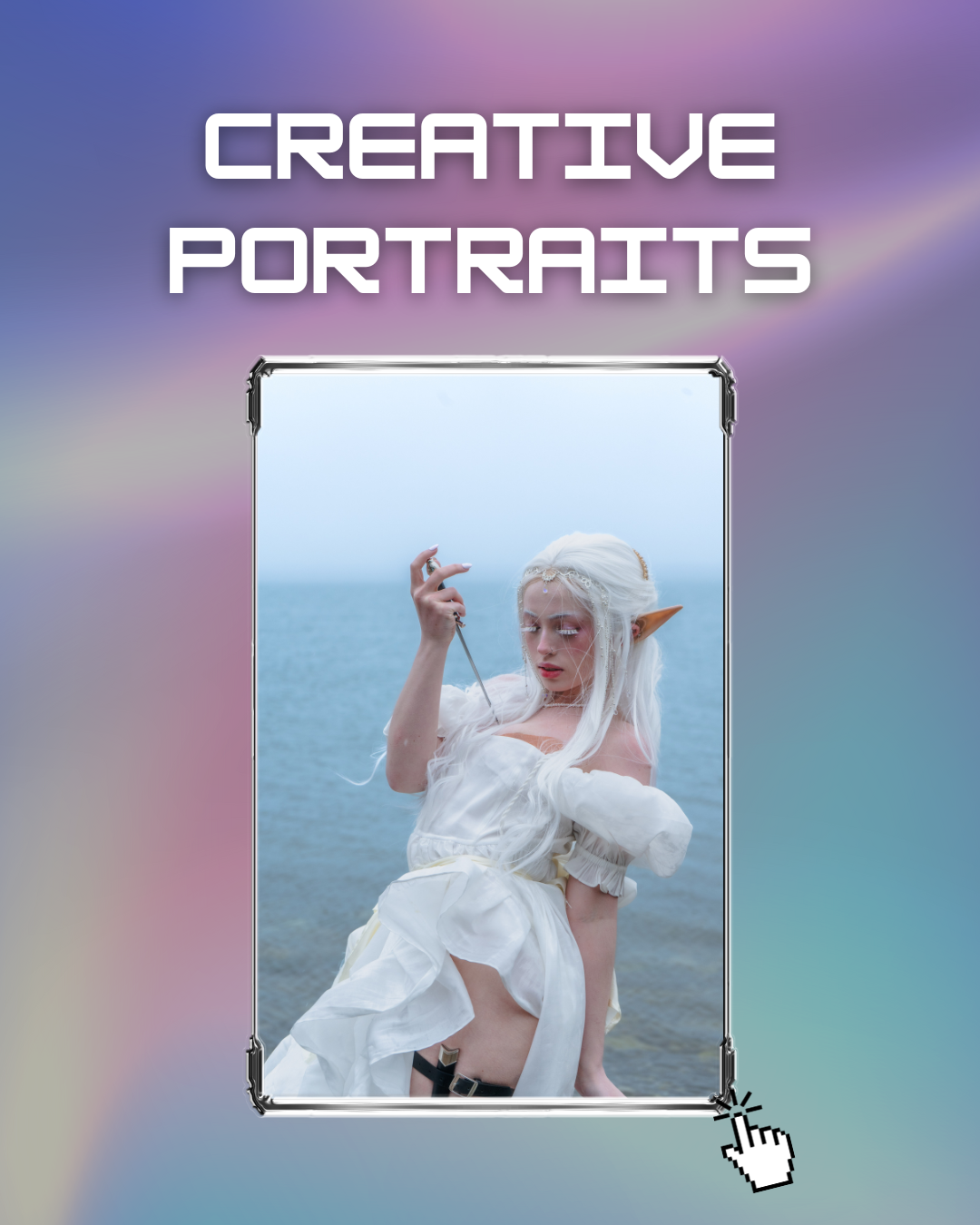
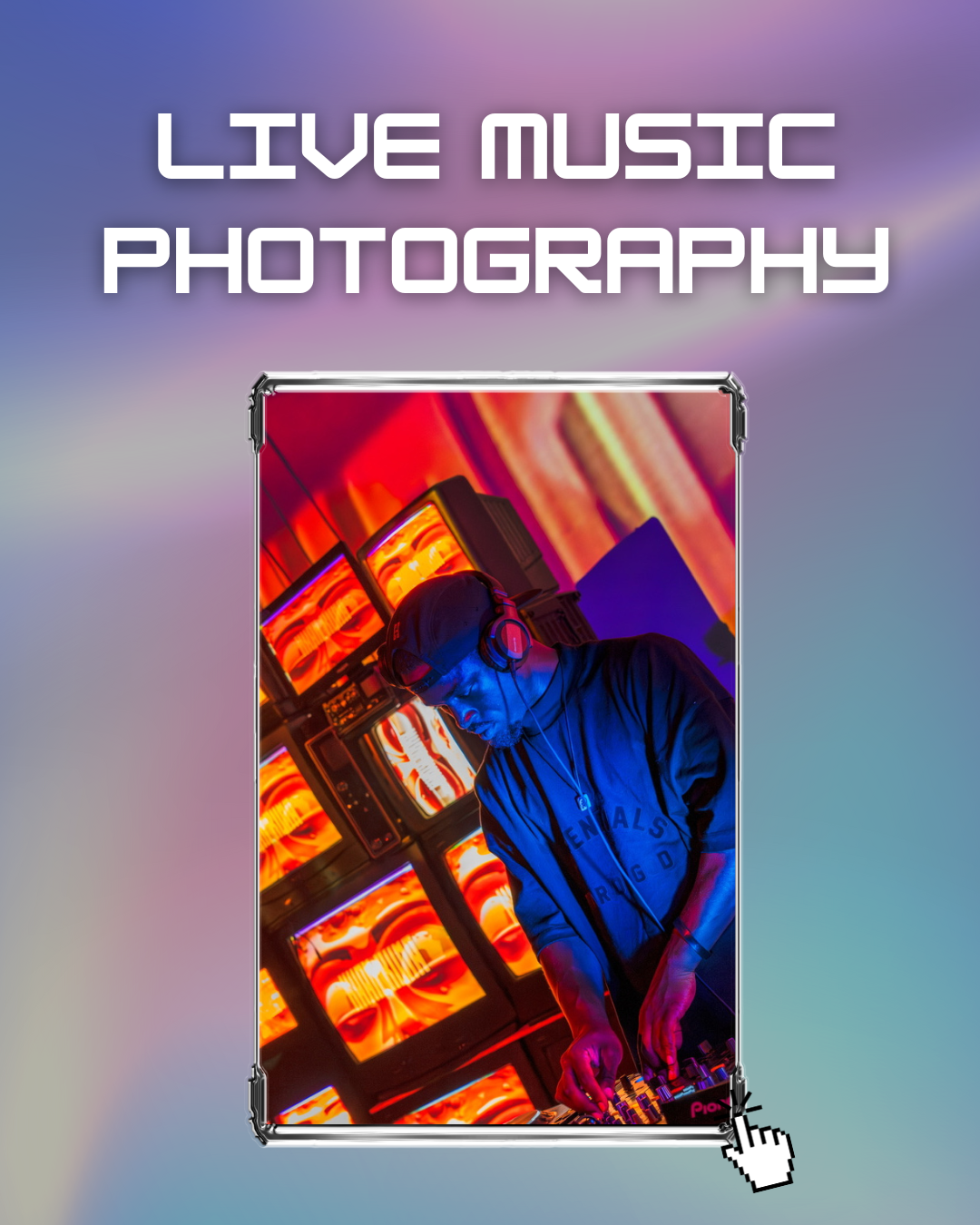
You can see our long-tail keyword in use throughout our session and package titles.
Step 3: Content That Ranks, Builds Authority, and Converts
Google rewards websites that demonstrate topical authority — not ones that post randomly.
What Topical Authority Looks Like
One strong pillar page
Supporting blog posts around related questions
Strategic internal linking
Consistent publishing
At Squid’s Ink, we use the content bins strategy to plan posts and how they relate back to our larger SEO goals:
Photography & Visual Identity
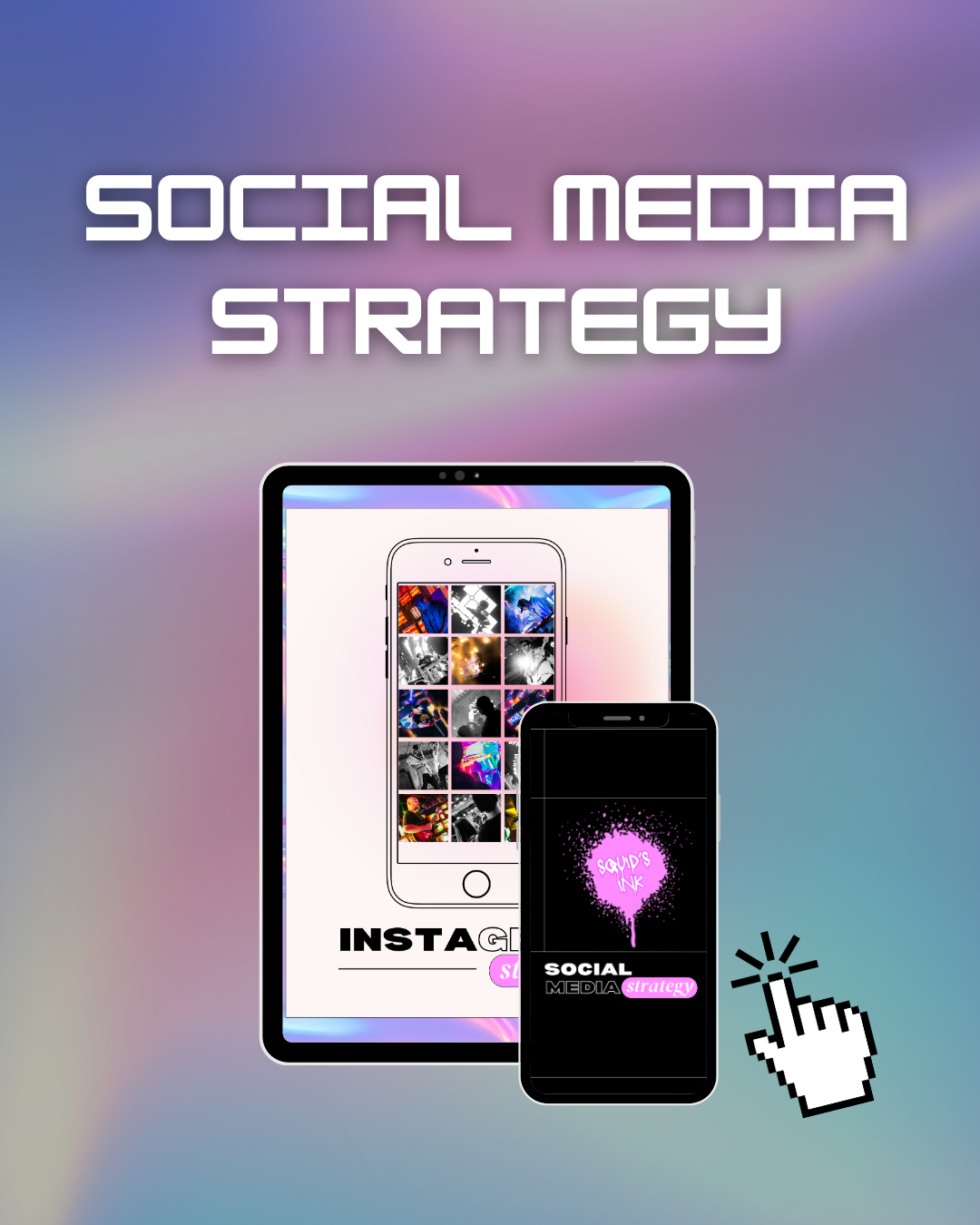
Social Media Strategy
Web Design & SEO
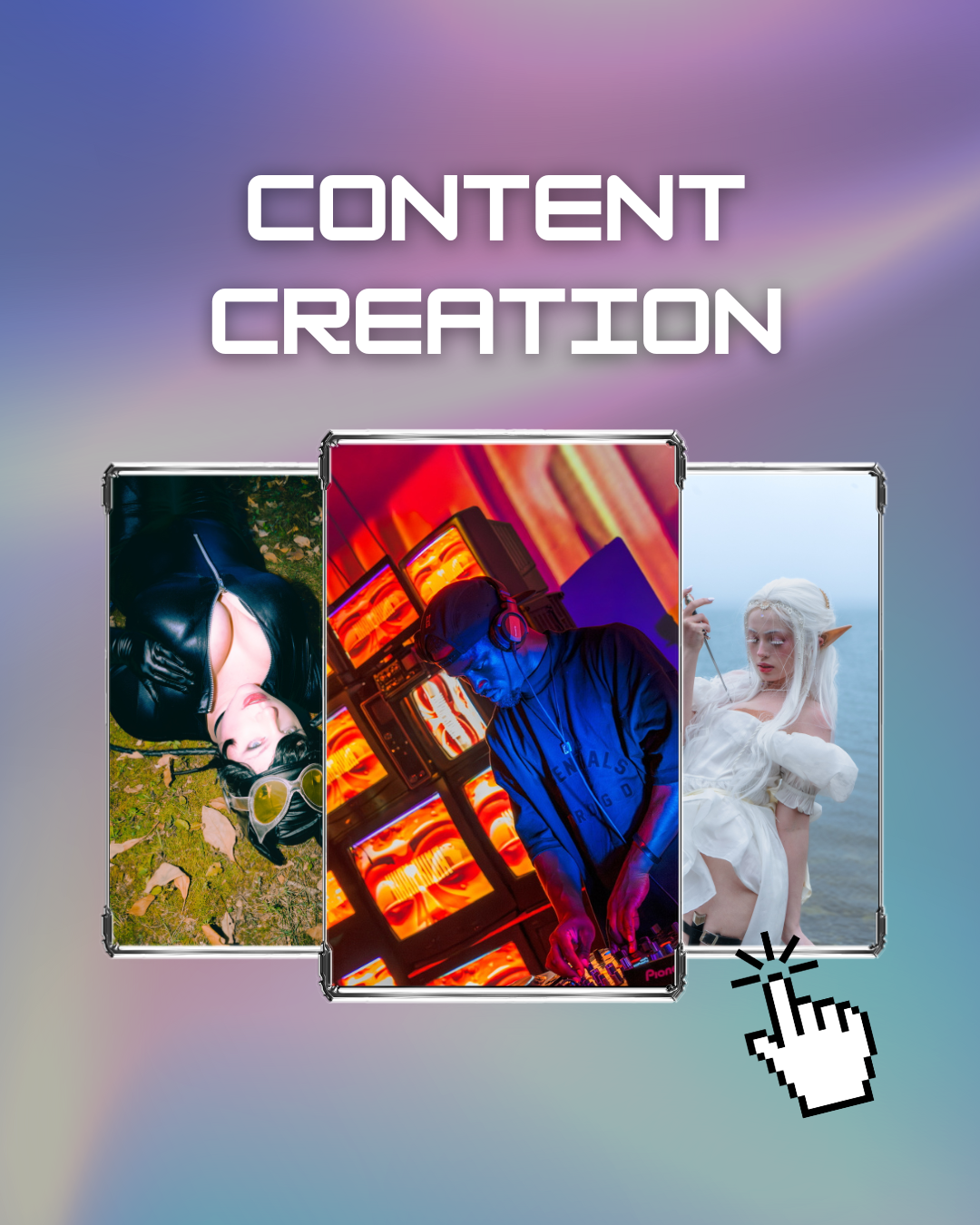
Content Creation
Media Literacy & Culture
This helps both readers and search engines understand what we specialize in.
Random posts don’t rank. Systems do.
If you’re tired of guessing what to post, our Social Media Strategy Services are built around this exact framework.
Step 4: On-Page SEO (Without the Tech Overwhelm)
On-page SEO is everything you can control directly on your website.
On-Page SEO Basics
One clear H1 per page
Logical H2–H3 hierarchy
Descriptive title tags
Compelling meta descriptions (under ~160 characters)
Image alt text (especially important for photographers)
Schema markup to clarify content type
This isn’t about perfection — it’s about intention.
Step 5: Authority Signals Google Looks For
When Google decides who to trust, it looks for proof.
Authority Signals That Matter
Internal linking depth
Backlinks from relevant websites
Case studies and portfolios
Reviews and testimonials
Brand mentions across the web
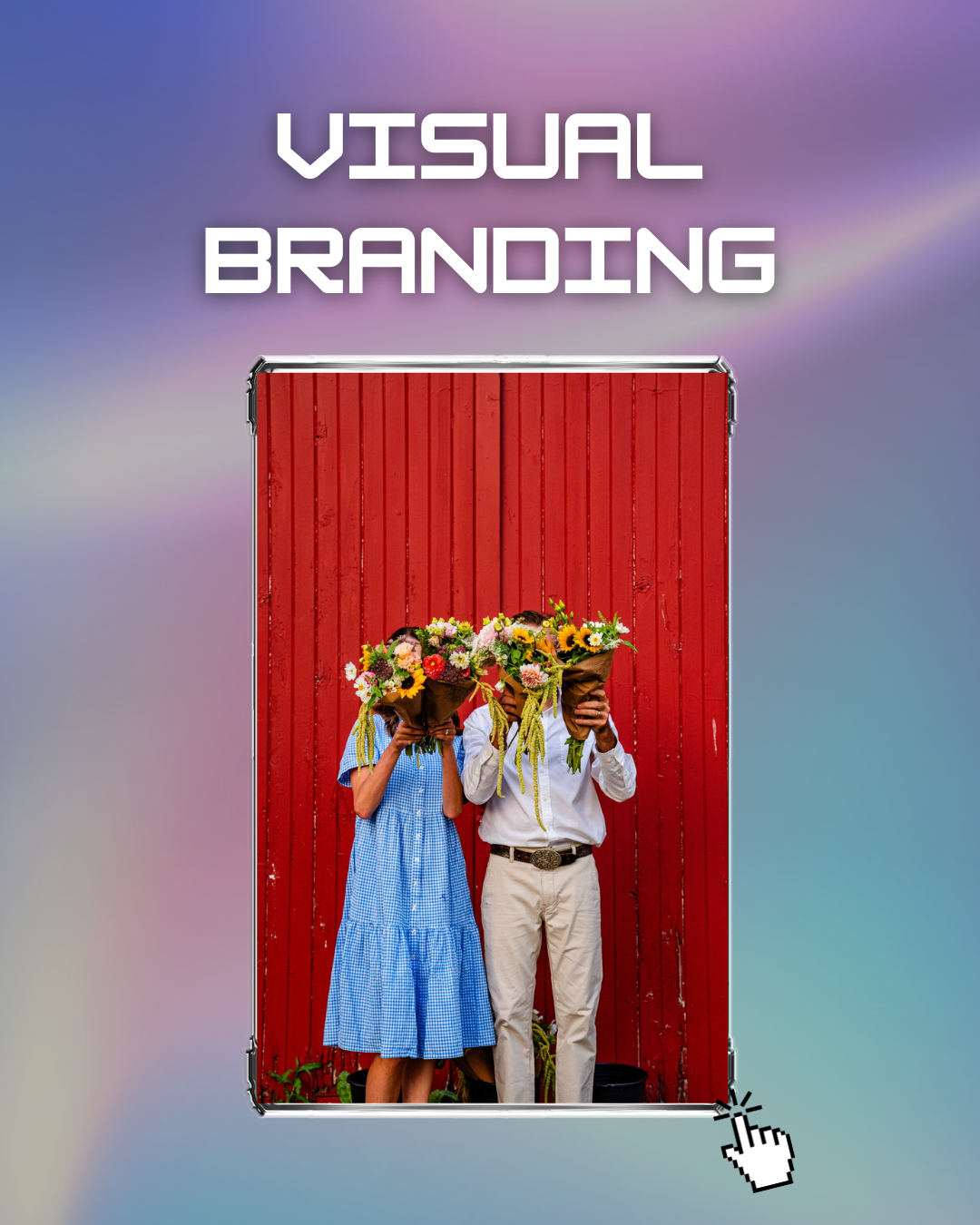
For creatives, your work is your authority. Live music galleries, event coverage, and documented projects send strong trust signals when presented clearly.
You can see how we structure this throughout our Photography Services.
Why Your CMS Choice Matters (Without Chasing the Wrong Keyword)
A content management system (CMS) doesn’t rank your website — but it does determine how easily you can publish, organize, and scale content.
The right CMS:
Supports consistent publishing
Makes internal linking easy
Grows with your business
Common SEO Mistakes Creatives Make
No blog or content system
No internal links
No service-focused pages
Posting without intent
Chasing trends instead of trust
Most SEO problems aren’t technical — they’re strategic.
Your Next Step:
SEO works best when it’s aligned with how you actually create — not when it forces you into someone else’s system.
If you’re:
An artist or musician → Book a Creative Portrait or Live Music Photography Session to start building your visual identity & content library
A brand or creator → Apply for Social Media Strategy
A founder or small business → Request a Website & SEO Audit
The goal isn’t just to rank — it’s to be found by the people who already need what you offer.
Written by Sydney Leemhuis
About the Author
Sydney Leemhuis is a Denver-based photographer, content strategist, and founder of Squid’s Ink Media. She helps artists and creative entrepreneurs build memorable brands through visual storytelling and digital strategy.
Published Jan 17, 2026